Digital Marketing Platforms for Small Businesses: Best Picks for 2026
The best digital marketing platform for small businesses in 2026 combines email, social media scheduling, SEO tools, and basic analytics in a single dashboard, typically costing $30–$100 per month. It should integrate with your existing CRM or ecommerce store and offer a free trial so you can test it before committing.
Every small business owner I know juggles a dozen marketing tasks with a lean team and a tight budget. The promise of an all-in-one platform sounds tempting: one login, one bill, one place to manage everything. But in 2026, the market has matured. There are now powerful all-in-one solutions and refined specialized tools, each with distinct trade-offs. This guide breaks down the best options, what they actually cost, and the pitfalls beginners fall into — so you can pick the right fit for your business without wasting time or money.
What Should a Digital Marketing Platform for Small Businesses Do in 2026?
The core functions haven’t changed drastically, but the integration and AI features have. A modern platform should let you schedule social media posts across Instagram, Facebook, LinkedIn, and TikTok from one calendar. It should include a basic email builder with automation triggers — like welcome sequences or abandoned cart reminders — without needing a separate ESP. Built-in SEO tools for keyword research, on-page checks, and basic rank tracking are now standard, not premium add-ons. And because data privacy regulations tightened again in 2025, the platform must handle consent management and data deletion requests natively.
Many beginners pick a platform based on feature count alone. That’s a mistake. A long list of features is useless if half of them are locked behind a higher tier or require third-party integrations. For example, one popular all-in-one tool advertises “advanced analytics” but the detailed reports only appear on its $200/month plan. Another offers “SEO audits” but you can only run them on two pages. Always check which features are included at the price you’ll actually pay, not the top-tier demo.
Another overlooked factor is how the platform handles multi-user access. If you have a virtual assistant or a freelance social media manager, you need granular permission levels — view-only, comment, publish — without sharing your login credentials. Some platforms charge per seat, which can add up fast. Others include unlimited team members in the base plan, which is a significant saving for a small team.
Finally, consider the learning curve. A platform with every bell and whistle often overwhelms beginners. In 2026, the best digital marketing platforms for small businesses balance capability with usability. Look for clean interfaces, pre-built templates, and onboarding wizards that guide you step by step. If the platform requires watching hours of tutorials before you can send your first email, it’s not saving you time — it’s costing you.
What Is the Best All-in-One Digital Marketing Platform for Small Businesses?
After testing several platforms with real campaigns, the most reliable all-in-one option for most small businesses in 2026 is HubSpot’s Starter suite. It covers email marketing (up to 1,000 contacts), social scheduling, basic SEO, live chat, and ad management — all for $45 per month when billed annually. The interface is intuitive, and the free CRM integrates seamlessly, so you never manually import contacts. Many freelancers and solo service providers find it sufficient without needing upgrades for at least their first year.
However, there are important trade-offs. The SEO module in HubSpot Starter is limited: you get keyword suggestions and a basic on-page grader, but no backlink analysis or content strategy insights. For serious SEO work, you’ll eventually need a dedicated tool like SEMrush or Ahrefs. Also, the email automation is linear — you can build simple sequences but not complex multi-trigger workflows. If your business relies on elaborate email journeys, you might outgrow this plan in months.
Another solid contender is Zoho Marketing Plus, which bundles Zoho’s CRM, email, social, and analytics tools. It’s cheaper — about $30 per month for a similar contact count — but the learning curve is steeper. The interface feels less polished, and some modules require toggling between separate apps. If you already use other Zoho products, the integration is seamless. If not, you may find the fragmented experience frustrating.
A common beginner mistake is signing up for an annual plan based on a free trial that doesn’t include the features you’ll actually need. For instance, you might test social scheduling and email, love it, only to discover after paying that the reporting dashboard you want is on the $89/month tier. Always identify your three must-have features before you start trials, and confirm they are available on the plan you intend to purchase. If the sales page is vague, use the live chat and ask directly.
Which Specialized Marketing Platforms Are Worth Considering in 2026?
Sometimes an all-in-one platform does everything adequately but nothing exceptionally well. If your business centers on one channel — say, email marketing or social selling — a specialized tool often outperforms. For email, Mailchimp remains the gold standard for beginners, but its Standard plan at $20 per month (for 500 contacts) now includes basic customer journey builder and predictive segmentation. The design tools are superior to most all-in-one solutions, and deliverability rates are excellent. However, Mailchimp’s social scheduling is weak; you’ll need a separate tool like Buffer or Later.
For social media management, Buffer is my top pick for 2026. Its $8/month plan covers three channels and includes a simple queue-based scheduler, robust analytics, and a collaborative approval workflow. It lacks the deep analytics of Sprout Social, but for a small operation, the ease of use wins. Later is better for visual-heavy Instagram accounts, especially if you publish Reels. Both integrate with most all-in-one platforms, so you can combine them without chaos.
If SEO is your primary focus, no all-in-one tool matches the depth of SEMrush or Ahrefs. SEMrush’s Pro plan at $139/month includes comprehensive keyword research, site audits, competitor analysis, and ranking tracking. Ahrefs’ Lite plan at $99/month is more budget-friendly but limits tracked keywords to 500. Both are expensive for a solo freelancer but become cost-effective once you have more than a few paying clients or an ecommerce store. A minimalist alternative is Ubersuggest — $29/month — which covers keyword research and basic audits, though the data accuracy sometimes lags behind the big players.
Paid ads management is another area where specialized tools shine. Google Ads Editor is free and indispensable for managing large campaigns, but for small budgets, the platform’s built-in tools work fine. For cross-channel ad management, AdEspresso (now part of Hootsuite) simplifies creation and optimization for Facebook and Instagram ads. It costs $49/month but saves significant time if you run frequent A/B tests.
The key is to avoid signing up for multiple specialized tools before you’ve nailed one channel. Beginners often subscribe to Buffer, Mailchimp, and SEMrush simultaneously, blowing their budget before they’ve even published ten posts. Start with the channel that drives the most revenue for your business — not the one that sounds most fun — and add tools only when you’ve validated that channel is working.
How Much Should a Small Business Spend on a Marketing Platform in 2026?
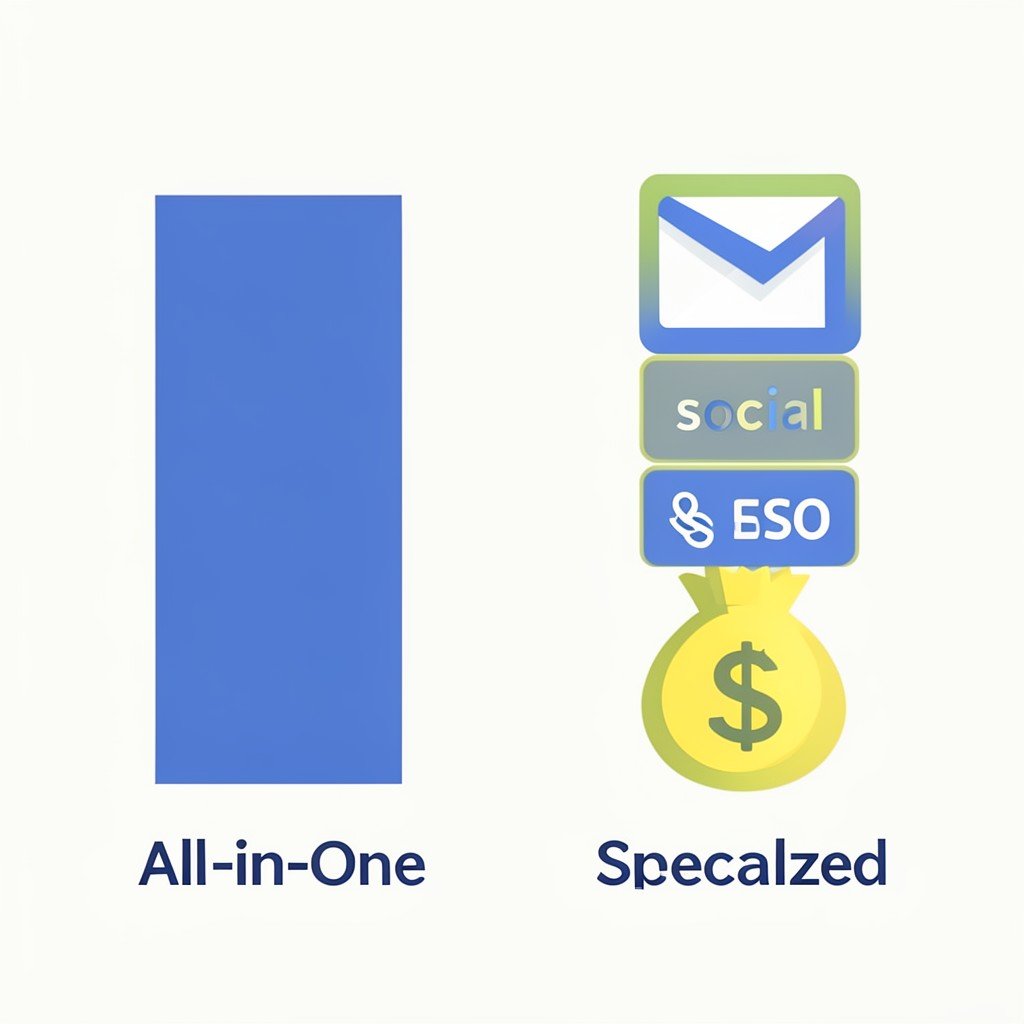
Most successful small businesses in 2026 allocate between $50 and $150 per month total for marketing software. That range covers a solid all-in-one platform or a combination of two specialized tools. If you’re pre-revenue or just starting, stick to free tiers or the cheapest paid plans. HubSpot’s free CRM and Mailchimp’s free email tier (up to 500 contacts) can get you through the first six months. The moment you start seeing consistent leads or sales, upgrade — but do it incrementally.
A common trap is overbuying. A solo freelancer with 200 email subscribers does not need Mailchimp’s Premium plan. Similarly, a local bakery running Facebook ads to a small-town audience doesn’t need a $200/month social scheduling tool. The extra features sit unused while draining cash. On the flip side, underbuying is just as dangerous. If you’re running ads to a list of 5,000 contacts, the free email plan will cap your sends and hide crucial deliverability data.
Here’s a realistic budgeting framework:
- Pre-revenue or side hustle: $0–$20 per month (free tools, one cheap social scheduler)
- Part-time freelancer or local shop: $30–$60 per month (entry-level all-in-one or two specialized tools)
- Full-time small business with 2–5 employees: $100–$200 per month (solid all-in-one plus maybe a dedicated SEO tool)
- Growing ecommerce or agency: $200–$500 per month (scaled plans, multiple specialized platforms)
Remember that the tool cost is only part of your marketing spend. The platform itself is a multiplier — it helps you create and distribute content, but the content and ads themselves cost money. A $100/month platform paired with $500 in ad spend and 10 hours of content creation per week is a realistic starting mix. Don’t let software eat your entire budget.
What Are the Most Common Mistakes When Choosing a Marketing Platform?
One of the most frequent errors I see is picking a platform based on a free trial that doesn’t reflect normal usage. Free tiers often limit features and contacts, so the experience feels smooth and fast. When you upgrade, the interface may slow down, and features you assumed were included are suddenly behind a paywall. To avoid this, ask for a demo of the paid plan you intend to purchase before you commit. Many platforms offer these over Zoom, and you can see the real tools in action.
Another mistake is ignoring integration requirements. Your marketing platform needs to talk to your website, ecommerce store, CRM, and analytics. A platform that exports CSVs but doesn’t have native connections will create manual work that eats hours each week. Before signing up, list every software you currently use and check the marketplace or API documentation. If a key integration is missing, move on. Even a free platform isn’t worth it if you spend ten hours a month moving data around.
Beginners also overlook data ownership and migration ease. Some platforms make it intentionally hard to export your contacts, email templates, and analytics history. If you decide to switch after a year, you could lose years of campaign data. Read the fine print on data export — you want to be able to download everything as CSV or JSON at any time. Services like Mailchimp and ActiveCampaign are good about this; others are not. Test the export feature during your trial period.
Finally, many business owners choose a platform because a friend or an online course recommended it — without considering their own unique needs. A platform that works for a photographer may be terrible for a plumber. List your primary marketing channel, your average customer journey length, and your technical comfort level. Then match those to the platform’s strengths. For instance, if your business relies heavily on SMS marketing, make sure the platform includes native SMS — many all-in-one tools still treat SMS as an add-on.
How to Migrate to a New Digital Marketing Platform Without Losing Data
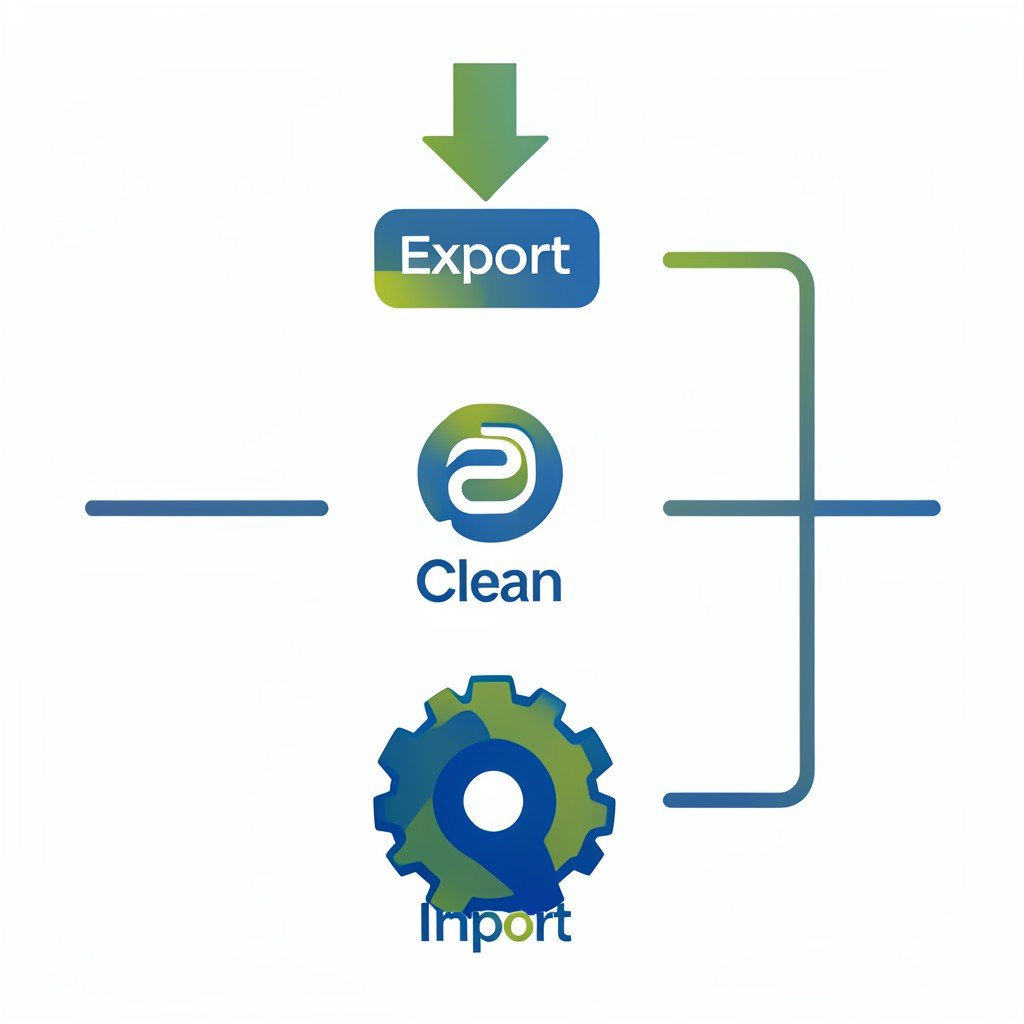
Migrating from one platform to another is stressful, but with a clear plan it can be done smoothly. Start by exporting all your current data: contacts (with tags, segments, and custom fields), email templates, automation workflows, social media posts if any, and analytics history. Most platforms have an export function under Settings or Data Management. If you can’t find it, contact support early — some require a request on their end and take days to process.
Next, clean your data before importing. Merge duplicate contacts, remove unsubscribed or bounced addresses, and standardize custom fields so they match the new platform’s format. Dirty data imported into a clean system creates more problems than it solves. This is also a good time to segment your list based on engagement — send a re-engagement campaign from the old platform before moving.
Import in phases. Start with contacts, then test a simple email campaign from the new platform to a small segment to check deliverability and formatting. Only after that should you import your automation workflows and templates. Beware of automation dependencies: some platforms use different logic for triggers and actions, so you may need to rebuild complex sequences manually. Budget the time for this — a five-step automation could take an hour to recreate.
Run your old and new platforms in parallel for at least two weeks. You want to catch discrepancies in reporting, missing subscribers, or broken automations before you cancel the old service. During this period, pause all campaigns on the old platform after the first week to avoid double-sending to the same contacts. Once you’re confident everything works, export a final backup from the old platform and cancel your subscription. Keep that backup file in a secure folder — you never know when you might need historical data.
Conclusion: Choosing Your Best Digital Marketing Platform for Small Businesses in 2026
The right digital marketing platform for your small business depends on your primary channel, your budget, and your willingness to learn. For most generalist small businesses, an all-in-one tool like HubSpot Starter at $45/month provides the best balance of features, usability, and price. For specialists, a combination of Mailchimp (email), Buffer (social), and Ubersuggest (SEO) totals about $60/month and gives you best-in-class tools without the compromises of a bundled package. Whichever path you choose, start with one channel, master it, then expand. Avoid the temptation to buy everything upfront. The platform that makes you actually publish and analyze is the one that will grow your business.
Frequently Asked Questions
What is the best digital marketing platform for small businesses in 2026?
For most small businesses, HubSpot Starter is the best all-in-one option at $45/month, covering email, social media, SEO, and live chat. For specialized needs, Mailchimp for email or Buffer for social media may be better. Always test with a trial before committing.
Can I use free marketing platforms as a small business?
Yes, free tiers can work for the first few months — HubSpot’s free CRM, Mailchimp’s free email, and Buffer’s free social scheduler are viable. But once you grow beyond 500 contacts or need analytics, you’ll likely need a paid plan.
How much should I budget for marketing software in 2026?
Most small businesses allocate $50–$150 per month for marketing software. Start with free or very cheap plans, then upgrade incrementally as your revenue grows. Avoid overbuying premium features you won’t use.
What is the easiest digital marketing platform for beginners?
Mailchimp has the simplest email builder and pre-designed templates. For social scheduling, Buffer’s queue system is intuitive. HubSpot Starter also offers strong onboarding guides. The easiest platform for you depends on which channel you’ll use most.