
Google has confirmed the Google tag and Tag Manager unification: every Google tag is being upgraded into a fully capable Google Tag Manager container. The change appears in the Tag Manager release notes dated November 17, 2026, and it brings Tag Manager’s interface-driven tagging, debugging and version control to websites that currently run only the basic Google tag.
What the Google tag and Tag Manager unification changes
Until now, site owners chose between two setups: the Google tag (gtag.js), a single snippet that sends data to destinations like Google Ads and Google Analytics, and Google Tag Manager, a container system for managing many tags with triggers, workspaces and version history. Under the unification, the distinction narrows: each Google tag becomes a Tag Manager container, so a site running only the Google tag can open Tag Manager’s interface and use its tagging features, debugging tools and version control without a separate installation.
Google’s official update page is explicit on one point: the upgrade does not change the in-page behavior of Google tags. Each Google destination keeps its own tag, and existing setups and triggers for automation events are preserved. You gain options; nothing you already run is supposed to fire differently.
New snippets and the end of gtag config
All new deployment snippets will use the same format, and they will no longer include the gtag config command. Google recommends configuring initialization behavior with the gtm init trigger instead. If you need to preserve a legacy setup, that init trigger can be configured to wait for the config command, so existing measurement sequences keep working.
Google is also prompting Tag Manager users to optimize their containers. The optimization flow moves Google tag settings into a new Settings tab, lets containers send data directly to Google destinations (previously extra gtag.js JavaScript loaded, which could delay measurement), and automatically links the container to your Google destination accounts with Read access by default. You can preview every change before publishing, and no changes are made automatically.
A related beta, visual tagging, lets you create events and set up conversions by selecting elements on your website instead of writing code. Google says it is currently in beta for purchase conversions in Google Ads, with more use cases rolling out over the year.
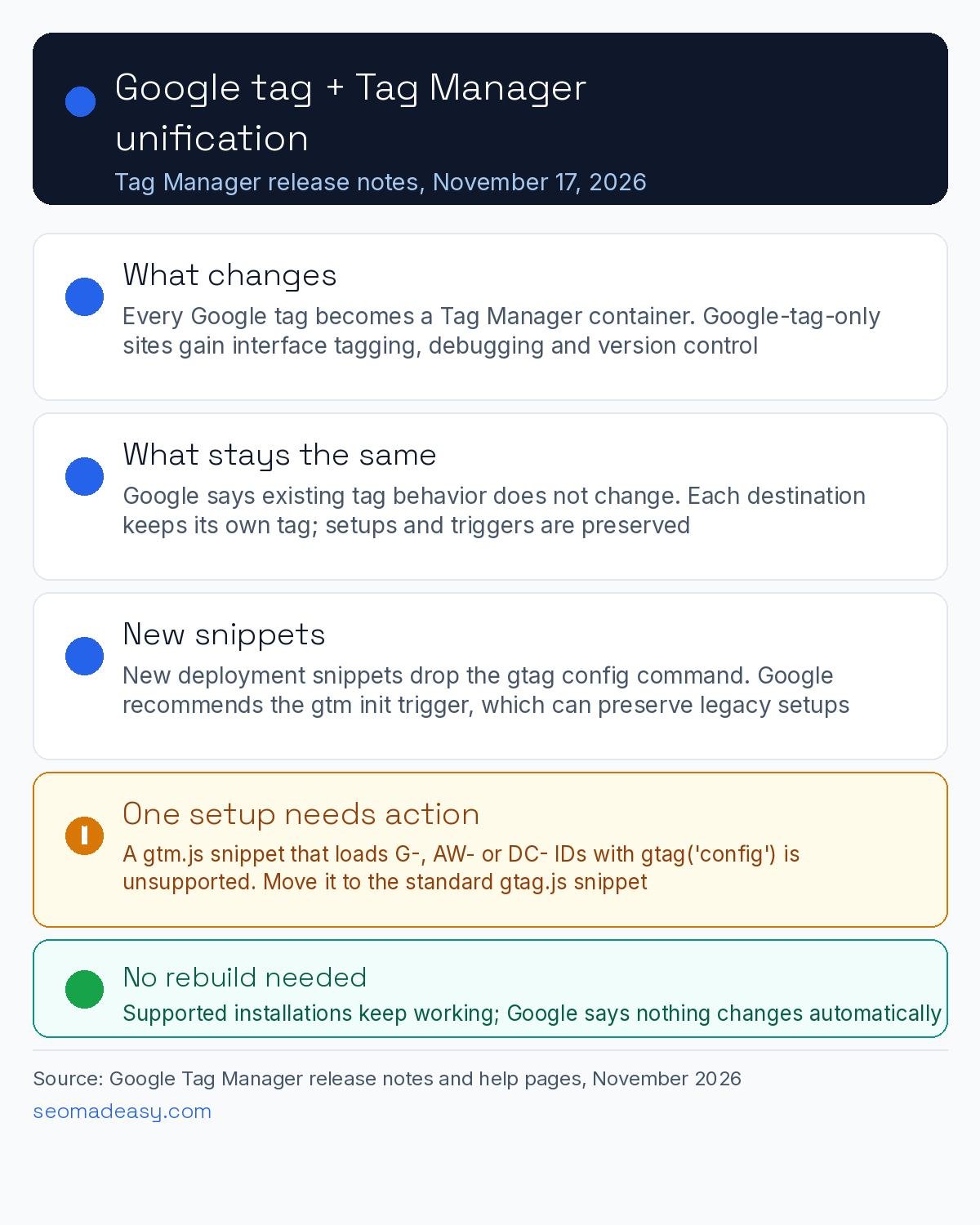
One setup needs action: unsupported installations
Some websites load a Google tag ID that starts with G-, AW- or DC- through a Google Tag Manager snippet (gtm.js) and then configure it with gtag('config') commands. Google calls this an unsupported implementation and says gtm.js snippets will soon stop recognizing or waiting for those config commands. If your site does this, Google instructs you to update your code to the standard Google tag (gtag.js) snippet, and its installation help page shows the correct format side by side with the incorrect one. Google says users on containers with the unsupported implementation received an email notification.
Google’s own pages say the change is coming “soon” without a date; Search Engine Land reports that unsupported installations are scheduled to receive the upgrade in January 2027. Treat that date as reported, not confirmed by Google, and either way it is worth fixing the snippet now rather than against a deadline.
What it means for small business sites
If you pasted a single Google tag into your site header and never touched Tag Manager, you now get its debugging and version-control tools for free, which makes jobs like checking whether a conversion tag fires correctly much less intimidating. If you already run Tag Manager, the optimization flow is worth reviewing because direct destination sending can reduce measurement latency. This is a product infrastructure change, not a regional rollout: Google’s documentation announces no country restrictions, so the same guidance applies whether your business is in the US, UK, India, Dubai or the wider Gulf. For related measurement reading, see our coverage of Google Ads now showing what invalid traffic costs you and the Google Ads Editor 2.14 AI Max default change.
What to do now
- Check your snippet. If your site uses a gtm.js snippet with
gtag('config')for a G-, AW- or DC- ID, switch to the standard gtag.js snippet using Google’s examples. - Watch your inbox. Google says it emailed users on containers with the unsupported implementation.
- Review the optimization prompt. Tag Manager users can preview the container optimization before publishing; nothing changes automatically.
- Do not rebuild working setups. Google says existing tag behavior is preserved, so a supported installation needs no changes.
Sources: Google Tag Manager release notes, November 17, 2026; Updates to Google tag and Google Tag Manager – Tag Manager Help; Set up your Google tag installation correctly – Tag Manager Help; Search Engine Land, November 18, 2026.
Frequently Asked Questions
Will the Google tag and Tag Manager unification break my existing tracking?
Google says no. Its update page states the upgrade does not change the in-page behavior of Google tags, each Google destination keeps its own tag, and existing setups and triggers for automation events are preserved. You gain Tag Manager’s interface, debugging and version control as options; nothing you already run should fire differently.
Do I need to change my website code?
Only if your installation is unsupported: a Google Tag Manager (gtm.js) snippet that loads a G-, AW- or DC- tag ID and configures it with gtag(‘config’) commands. Google instructs those sites to switch to the standard Google tag (gtag.js) snippet and shows correct and incorrect examples on its installation help page. Supported installations need no changes.
What is the difference between the Google tag and Google Tag Manager?
The Google tag (gtag.js) is a single code snippet that sends data to Google destinations such as Google Ads and Google Analytics. Google Tag Manager is a container system that manages many tags with triggers, workspaces and version history. The unification turns every Google tag into a Tag Manager container, bringing the two closer together.
Is there a deadline to update an unsupported installation?
Google’s help pages say gtm.js snippets will “soon” stop recognizing gtag(‘config’) commands, without naming a date. Search Engine Land reports the upgrade for unsupported installations is scheduled for January 2027. Because the date is not confirmed by Google, the safe move is to update the snippet now using Google’s official examples.
For daily SEO news and Google algorithm update coverage, follow the SEO news and updates stream.